Overview
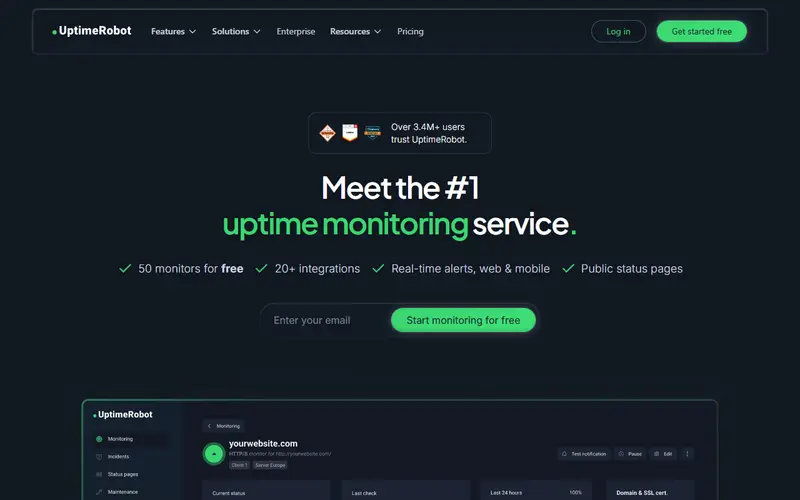
UptimeRobot is one of the most used uptime monitors. It pings HTTP(S) endpoints, ports and hosts, looks for keywords in pages, validates API responses, watches DNS records and SSL and domain expiry dates, and accepts heartbeats from cron jobs. Checks can run from North America, Europe, Asia and Australia, and alerts go by email, mobile app, SMS or voice credits and chat integrations.
The free plan is the main draw: 50 monitors at 5-minute intervals and a basic status page, with no card and, per its help centre, commercial use allowed. It has no login seats for teammates and only five integrations.
Paid plans are about speed, seats and status pages. Solo checks every 60 seconds and allows custom-domain status pages; Team checks every 30 seconds with three seats and webhooks; Scale goes to 15 seconds and hundreds of monitors. It does not do application performance or log monitoring.
Pricing and plans
Free tier · no card
50 monitors at 5-minute intervals: HTTP, port, ping, keyword, API, UDP, DNS and SSL/domain expiry checks, 1 basic status page, up to 5 integrations, no team login seats. Commercial use allowed.
At the limit Not stated The vendor does not say what happens at the limit, or we have not found it yet.
| Plan | Price | What you get |
|---|---|---|
| Free | $0 | 50 monitors, 5-minute interval, 1 basic status page |
| Solo | $11/mo annual, $13 monthly | 10 monitors (50-monitor tier costs more), 60-second interval, 3 status pages with own domain, 12-month retention |
| Team | $39/mo annual, $46 monthly | 100 monitors, 30-second interval, 3 seats, 100 white-label status pages, webhooks, PagerDuty |
| Scale | $83/mo annual, $98 monthly | 200 monitors (500 tier available), 15-second interval, 5 seats, unlimited status pages |
| Enterprise | Custom | Faster custom intervals, SOC 2 and DPA review, SLA, dedicated CSM |
What it does
- Monitor types
- HTTP(S), keyword, ping, port, API with JSON assertions, UDP, DNS and heartbeat monitors.
- SSL and domain expiry
- Alerts 30, 14 and 7 days before a certificate or domain expires.
- Status pages
- Public status pages with incident history; custom domain from Solo, white-label from Team.
- Multi-location checks
- Add regions (North America, Europe, Asia, Australia) to a monitor with per-region thresholds.
- Integrations
- Slack, Teams, Telegram, Discord and more; webhooks, Zapier and PagerDuty from Team.
- Maintenance windows
- Pause monitoring during planned maintenance.
Strengths and limitations
Strengths
- 50 free monitors, more than most free uptime plans.
- Simple setup with a mobile app and public status pages.
- Many check types including DNS, UDP and heartbeats.
- Paid tiers are clearly priced by monitor count and interval.
Limitations
- Free checks run every 5 minutes, so short outages can be missed.
- Free plan has no login seats and only 5 integrations.
- SMS and voice alerts need credits that do not renew with the plan.
- Uptime only: no APM, logs or error tracking.
Who it suits
Good for
- Side projects and small business sites
- Freelancers watching several client sites
- Teams wanting a quick public status page
Look elsewhere if
- Teams that need checks every few seconds from many regions with browser scripts
- Application performance or log monitoring
Alternatives to UptimeRobot
| Tool | From | Free option | Stages |
|---|---|---|---|
| New Relic Full-stack observability platform | $10/mo | Free tier | |
| GlitchTip Open-source error tracking (Sentry SDK compatible) | $15/mo | Free tier | |
| Rollbar Error tracking and session replay | $15.83/mo | Free tier | |
| Bugsink Self-hosted error tracking (Sentry SDK compatible) | $16/mo | Free tier | |
| Grafana Cloud Hosted metrics, logs, traces and dashboards | $19/mo | Free tier | |
| Healthchecks.io Cron job and heartbeat monitoring | $20/mo | Free tier |
Questions
Is UptimeRobot free?
Yes, the free plan includes 50 monitors checked every 5 minutes and a basic status page, with no credit card.
Can I use UptimeRobot's free plan for a business?
Its help centre says the free plan can be used for commercial and client projects, within the fair-use policy.
How often does UptimeRobot check my site?
Every 5 minutes on Free, 60 seconds on Solo, 30 seconds on Team and 15 seconds on Scale.
How much is UptimeRobot Solo?
$11 a month on annual billing or $13 monthly for the 10-monitor tier.
Sources read for this page