Overview
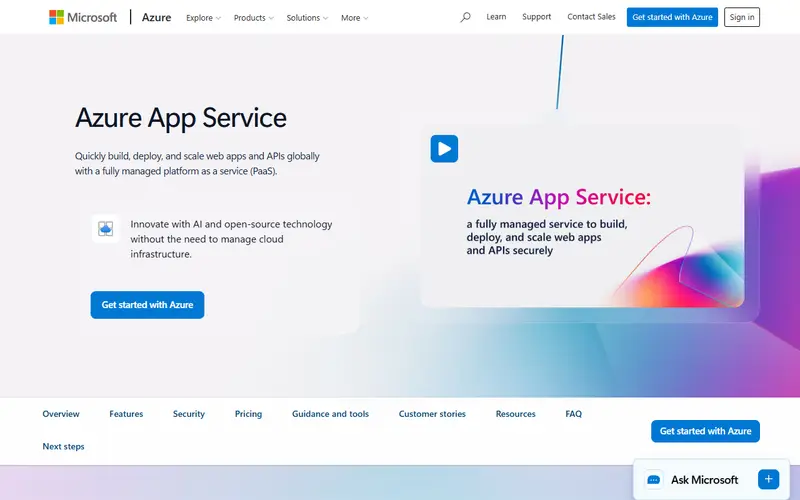
Azure App Service is Microsoft's long-running PaaS for web apps and APIs. Apps run on Windows or Linux, from code (ASP.NET, ASP.NET Core, Java with Tomcat or JBoss EAP, Node.js, PHP, Python) or from containers, and can be deployed from Git, GitHub Actions, a container registry or a ZIP file. Built-in 'easy auth' adds Microsoft Entra and other sign-in without code changes.
You buy an App Service plan, which is a number of instances of a given size, and can run several apps on it. The F1 Free plan allows 60 CPU minutes a day and has no SLA. Basic (B1 from about $12 a month on Linux in East US) suits low-traffic apps without advanced autoscale. Premium v3 and v4 add autoscaling, VNet integration, more storage and savings-plan discounts, and App Service Environments give single-tenant isolation.
Linux plans cost much less than Windows plans of the same size, so check which OS your stack needs. Databases and storage come from other Azure services and are billed on their own.
Pricing and plans
Free tier
F1 Free plan: shared cores with 60 CPU minutes per day, 1 GB RAM and 1 GB storage, no SLA; Microsoft says it is for trials and learning, not production.
At the limit Pauses An F1 app that uses its daily CPU or bandwidth quota is stopped, returning HTTP 403, until the quota resets.
Sleeps when idle| Plan | Price | What you get |
|---|---|---|
| F1 Free | $0 | 60 CPU minutes/day, 1 GB RAM, no SLA |
| B1 (Linux) | $0.017/hr | 1 core, 1.75 GB RAM, 10 GB storage; about $12.41/mo |
| B1 (Windows) | $0.075/hr | Same size on Windows; about $54.75/mo |
| P0v4 (Linux) | $0.073/hr | 1 vCPU, 4 GB RAM, 250 GB storage; about $53.29/mo |
| Isolated (App Service Environment) | Custom | Single-tenant, network-isolated |
What it does
- Windows and Linux
- Run apps on either OS; Windows is needed for classic ASP.NET Framework apps.
- Deployment slots
- Staging slots let you warm up a release and swap it into production.
- Easy auth
- Built-in authentication and authorization with Microsoft Entra ID and other providers.
- Autoscale
- Automatic scaling on Premium plans, with a 99.99% SLA on qualifying configurations.
- App Service Environment
- Single-tenant, network-isolated hosting for high-security workloads.
- Savings plans and reservations
- 1- or 3-year commitments reduce Premium prices.
Strengths and limitations
Strengths
- Best-supported home for .NET and Windows web apps.
- Integrates with Microsoft Entra ID, Azure networking and Azure DevOps/GitHub.
- Wide region coverage, including EU regions.
- Several apps can share one plan's instances.
Limitations
- The Free plan has a 60 CPU-minute daily cap and no SLA, and is not supported for production.
- Basic plans do not get savings plans, reservations or advanced autoscale.
- Windows plans cost several times more than Linux plans of the same size.
- Prices on the official page load via JavaScript and vary by region and agreement, making them harder to compare.
Who it suits
Good for
- .NET and Java teams on Azure
- Enterprises that need Entra ID, VNet integration and compliance
- Hosting several small apps on one plan
Look elsewhere if
- Hobby projects that need a production-grade free tier
- Teams that want scale-to-zero billing
Alternatives to Azure App Service
| Tool | From | Free option | Stages |
|---|---|---|---|
| Netlify Frontend and serverless platform | $9/mo | Free tier | |
| Vercel Frontend and serverless platform | $20/mo | Free tier | |
| Render Managed PaaS | $7/mo | Free tier | |
| Cloudflare Workers (incl. Pages) Edge serverless platform | $5/mo | Free tier | |
| Northflank Kubernetes-based PaaS | $2.70/mo | Free tier | |
| Google Cloud Run Serverless containers | Usage-based | Free tier |
Questions
Does Azure App Service have a free tier?
Yes, the F1 Free plan with 60 CPU minutes per day, 1 GB RAM and 1 GB storage, intended for trials and learning without an SLA.
How much does the cheapest paid Azure App Service plan cost?
Basic B1 on Linux is $0.017 per hour in East US, about $12 a month; on Windows it is $0.075 per hour.
Which languages does Azure App Service support?
ASP.NET, ASP.NET Core, Java (including Tomcat and JBoss EAP), Node.js, PHP and Python, plus any container.
Sources read for this page